AI makes pretty screens. Coherent makes them a product.
Your agent builds the UI. Coherent gives it one design system to build from, keeps the docs in step with the code, and checks every edit in a real browser before it lands.
One app, eight pages, one system. · illustrationauto-advancing · hover to pause
Your agent can design a beautiful screen.
Ten screens later, nothing matches.
Coherent keeps every page on one system. And writes it down.
[01]The problem
Pretty, one screen at a time.
You ask for a dashboard, then billing, then settings. Each one looks good. Together they don't: three button styles, four grays, a card that is a little different on every page. Change the card and another page shifts. Nobody can say what the system is, because there isn't one.
Agent on its own
every page invents its own buttons, cards and grays
colors and sizes hardcoded, so a brand change misses half the app
change one card, and another page quietly shifts
no list of what exists, so nothing gets reused
no docs: the next person starts from scratch
Agent + Coherent
pages reuse one set of tokens and components; new hardcoded values are flagged
every component and token has an ID you can point at
an edit by ID is held to that component or token
a living design system with docs, generated from the code
every edit checked in a real browser; a failed one is never committed
Why not just ask Claude Code?
You still do. Coherent runs inside Claude Code and does not replace it. It adds the three things an agent does not keep on its own.
It sees the file, not the reach
An agent edits the file you point at. Coherent reads the import graph first and tells it which pages render that component, so the edit is scoped before a line changes.
It checks what it thinks of
Types and a build can pass while another page shifts. Coherent renders the pages the edit reaches and compares pages that should not change, pixel for pixel.
It keeps no system
Each session starts from the files. Coherent keeps IDs in the code and a design system generated from it, so the next session and the next person start from the same map.
[02]The design system
Your app ships with its design system. Read from the code, updated with every edit.
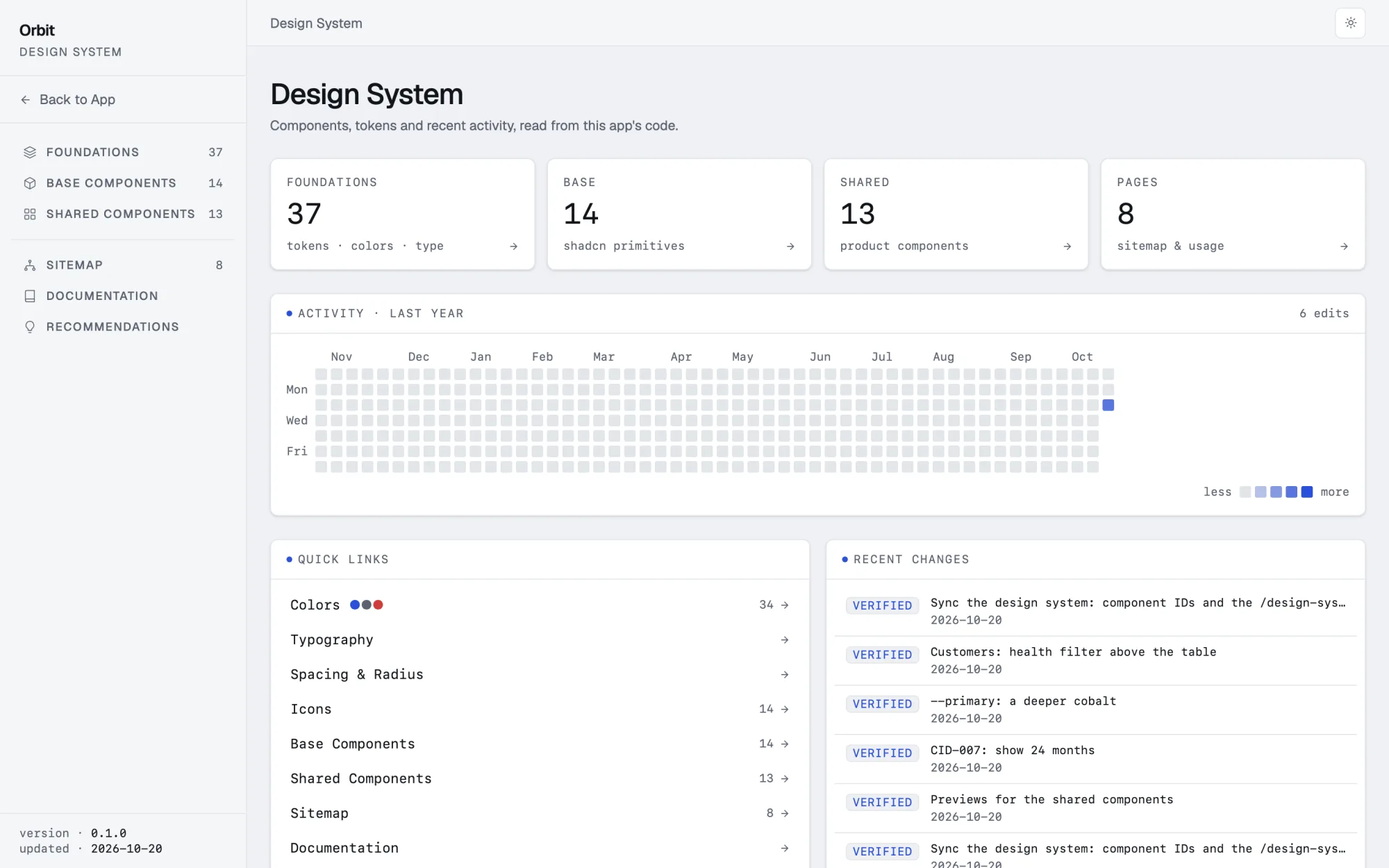
Open /design-system in your app: every token, every component with its ID, how it is used in your code, the pages it is on, the tokens it uses and its history. Coherent rebuilds it inside every edit and checks it with the edit, so the docs keep up with the product.
Every edit, on the record
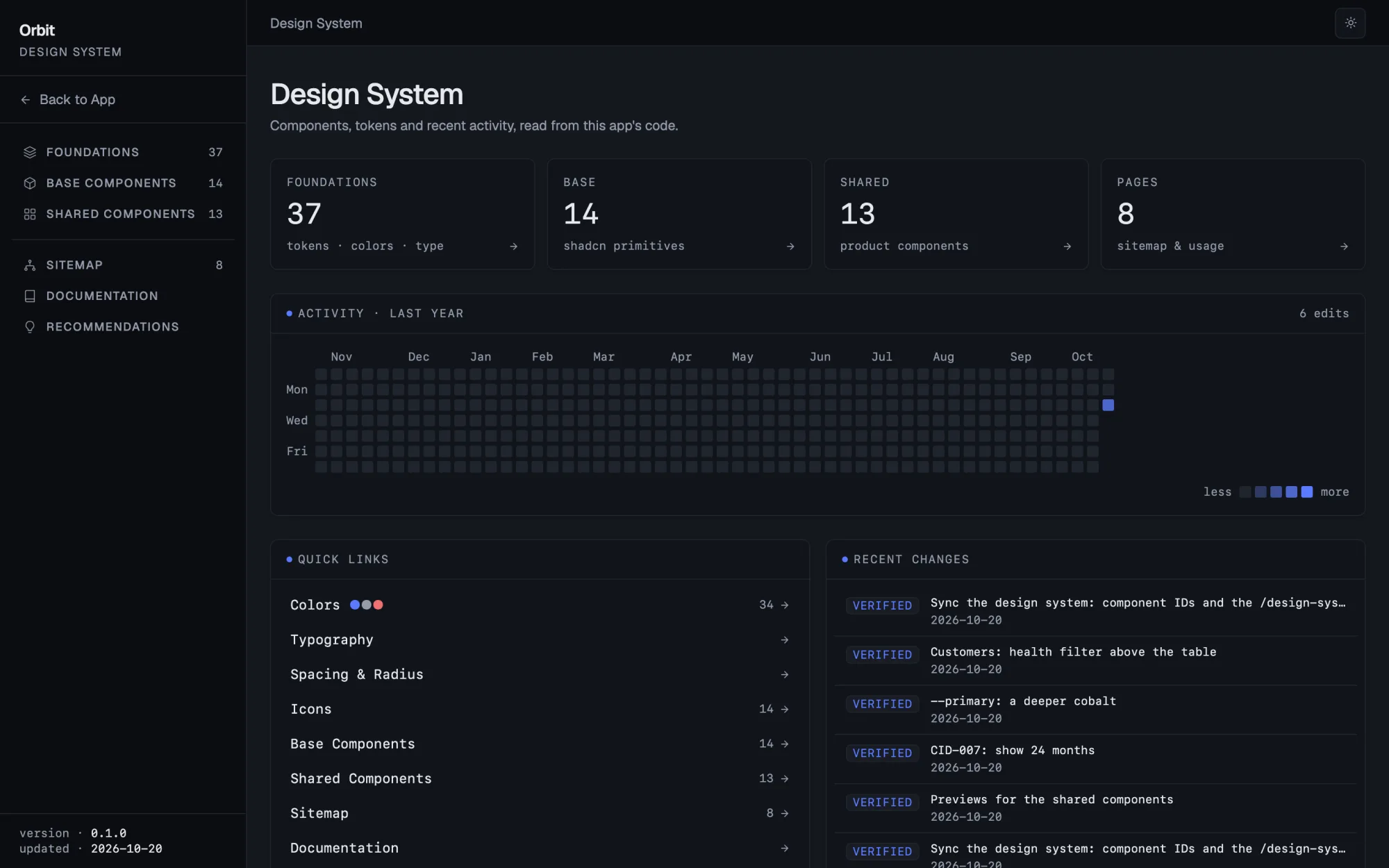
What the system holds at a glance, and each Coherent edit with its verdict, on a timeline.
localhost:3000/design-system
Every token, with what uses it
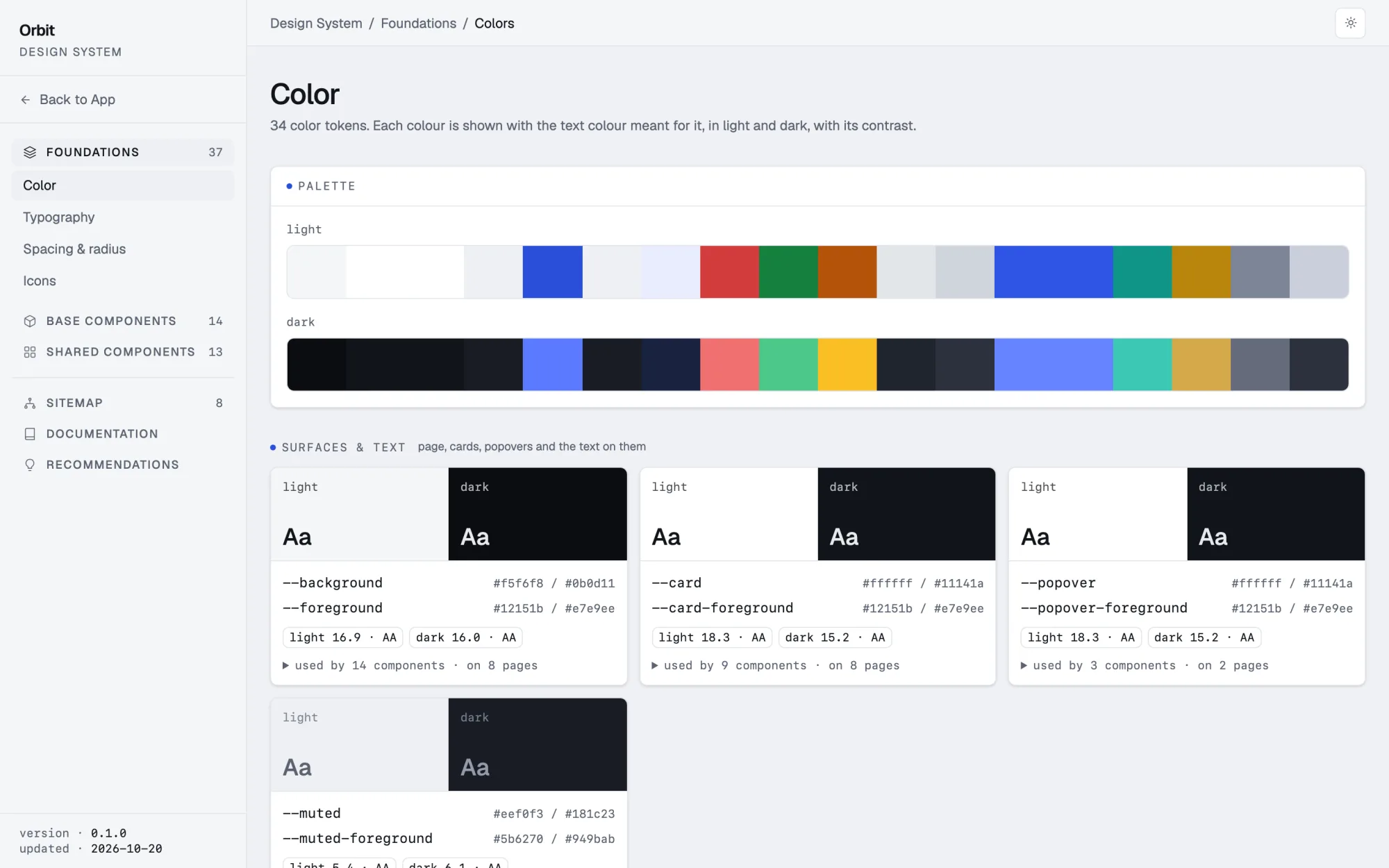
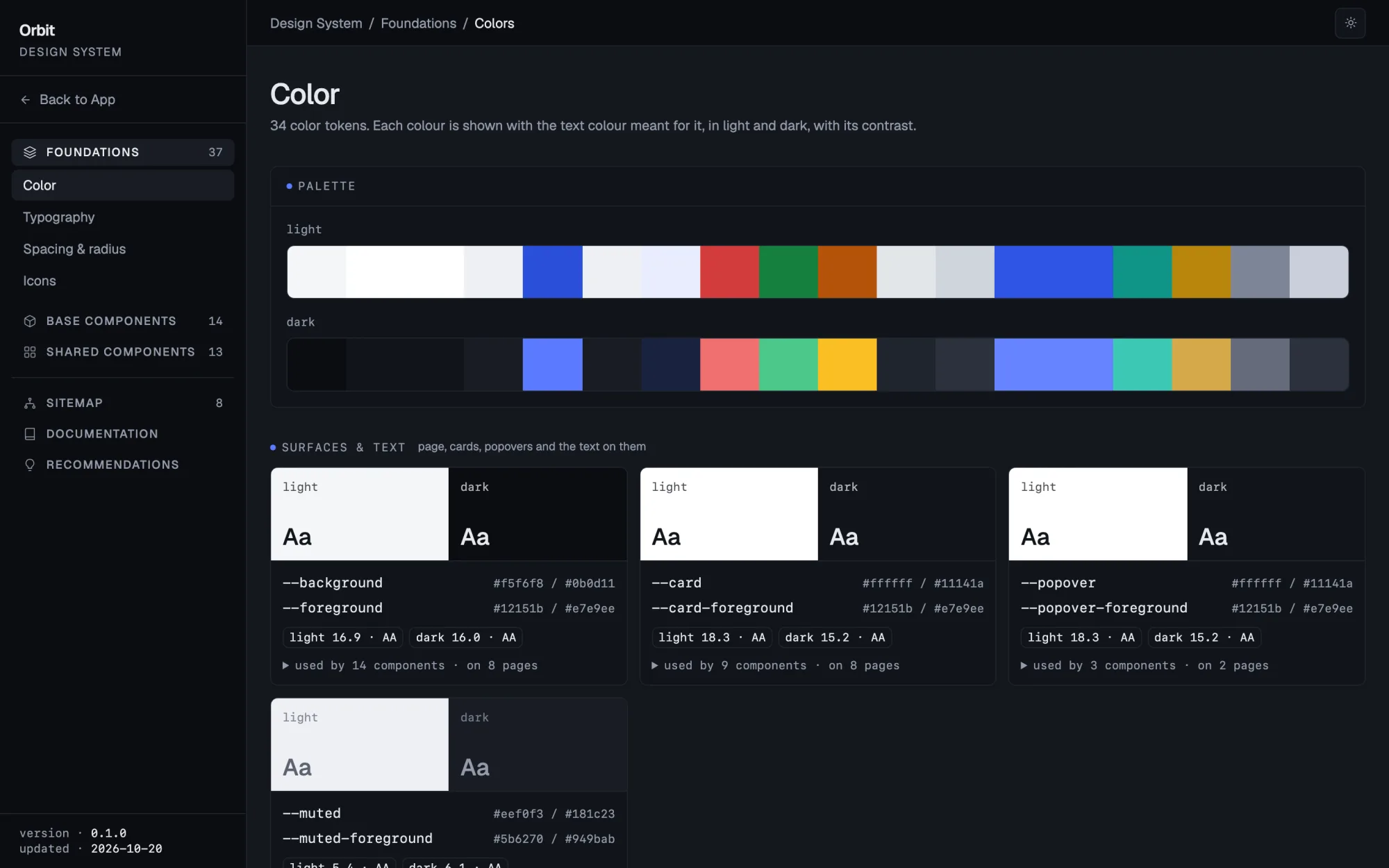
Tokens from your stylesheets, light and dark where defined: each color with the text color meant for it and their contrast, type, radius, shadows, icons, and the components that use each one.
localhost:3000/design-system/tokens/colors
The primitives, with live previews
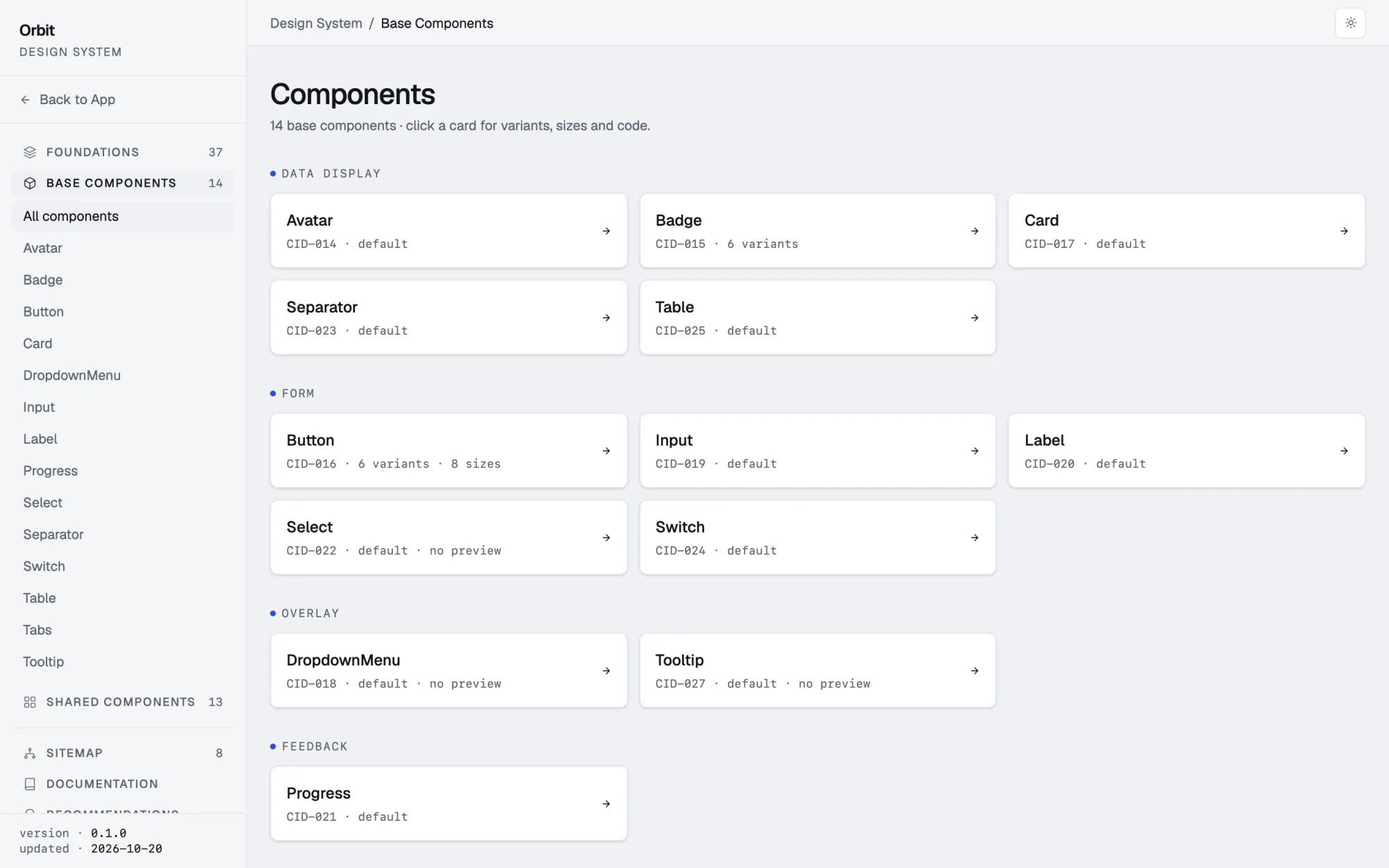
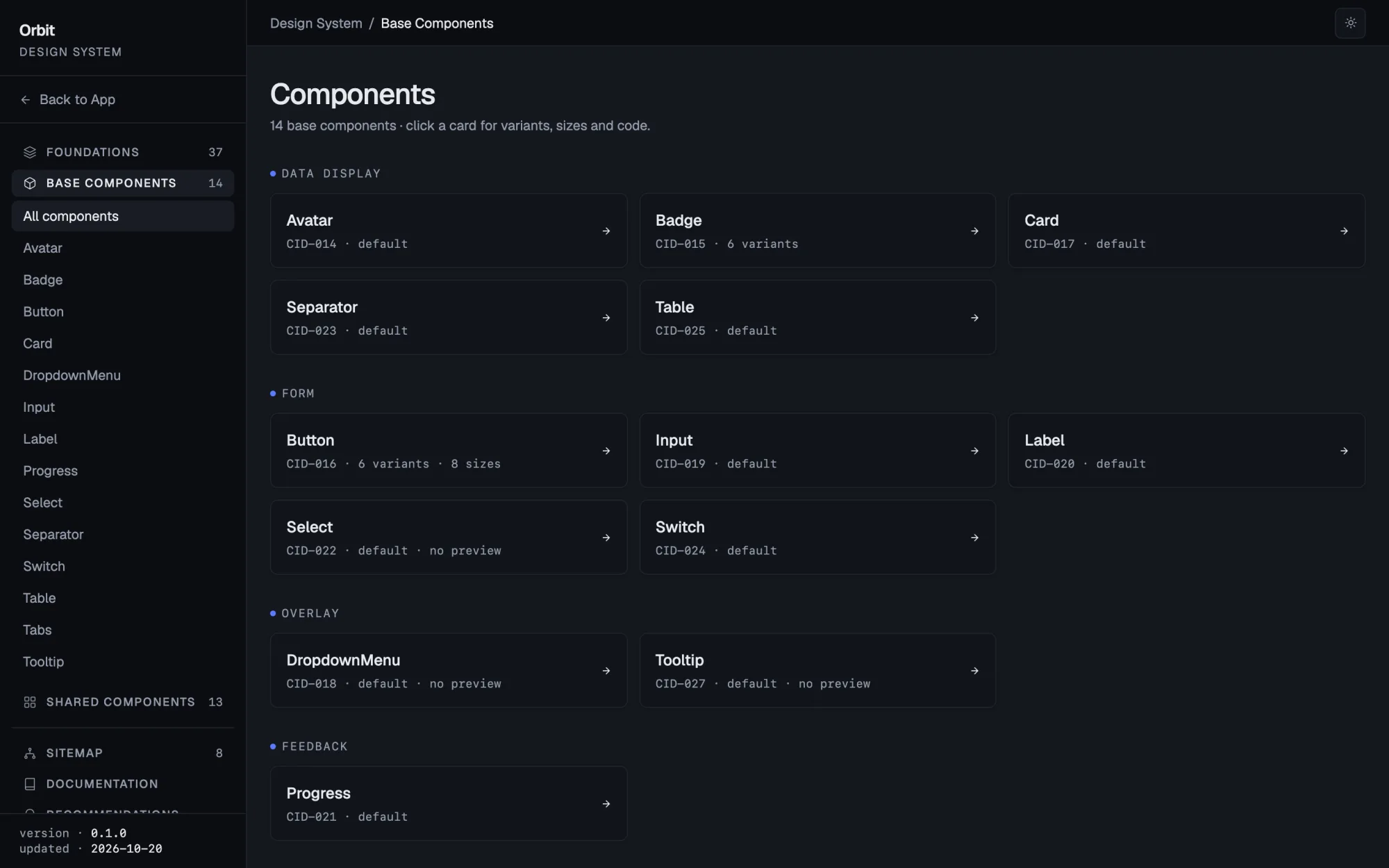
Every shadcn/ui primitive in the app, with its ID, variants and sizes rendered from the code.
localhost:3000/design-system/components
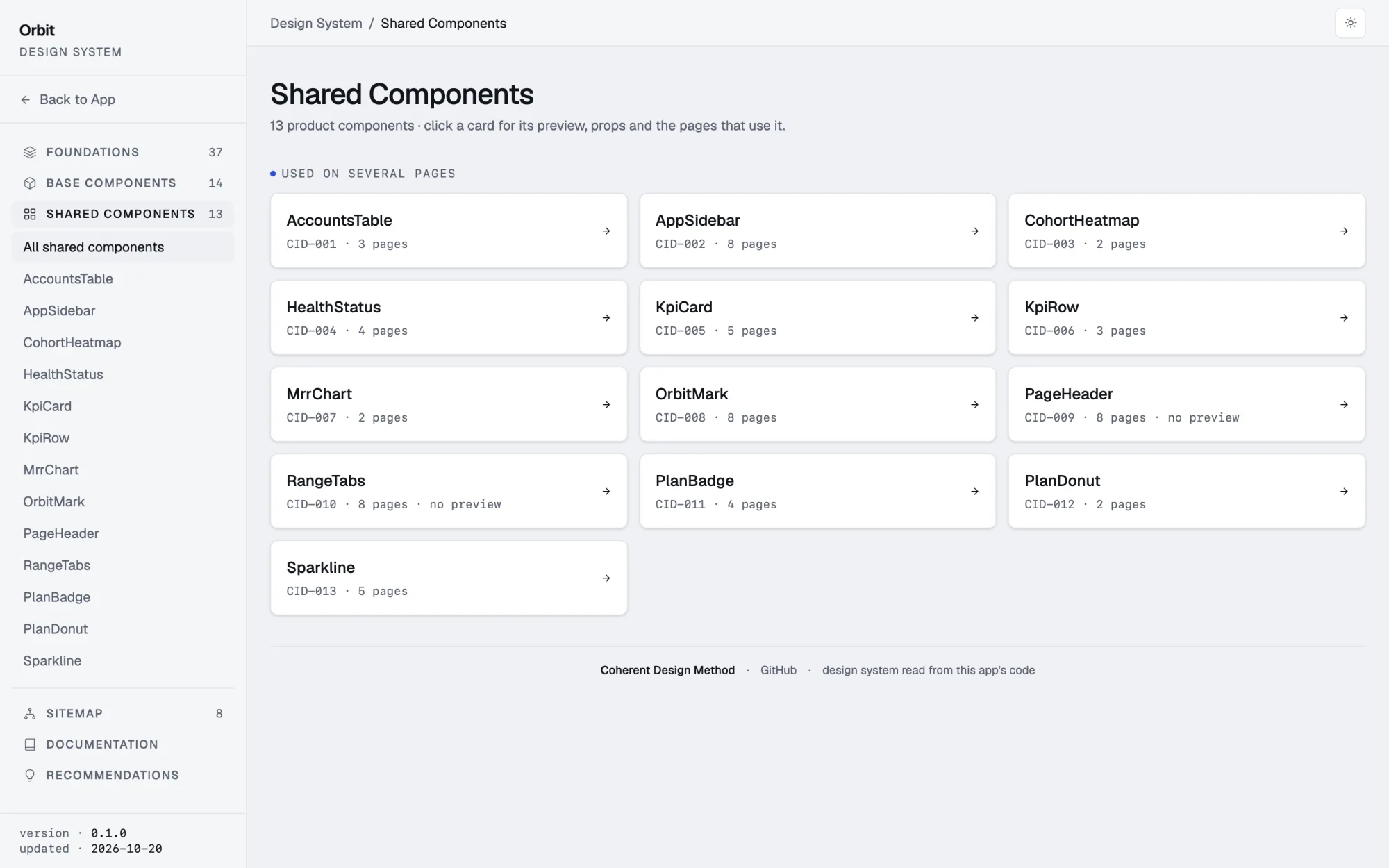
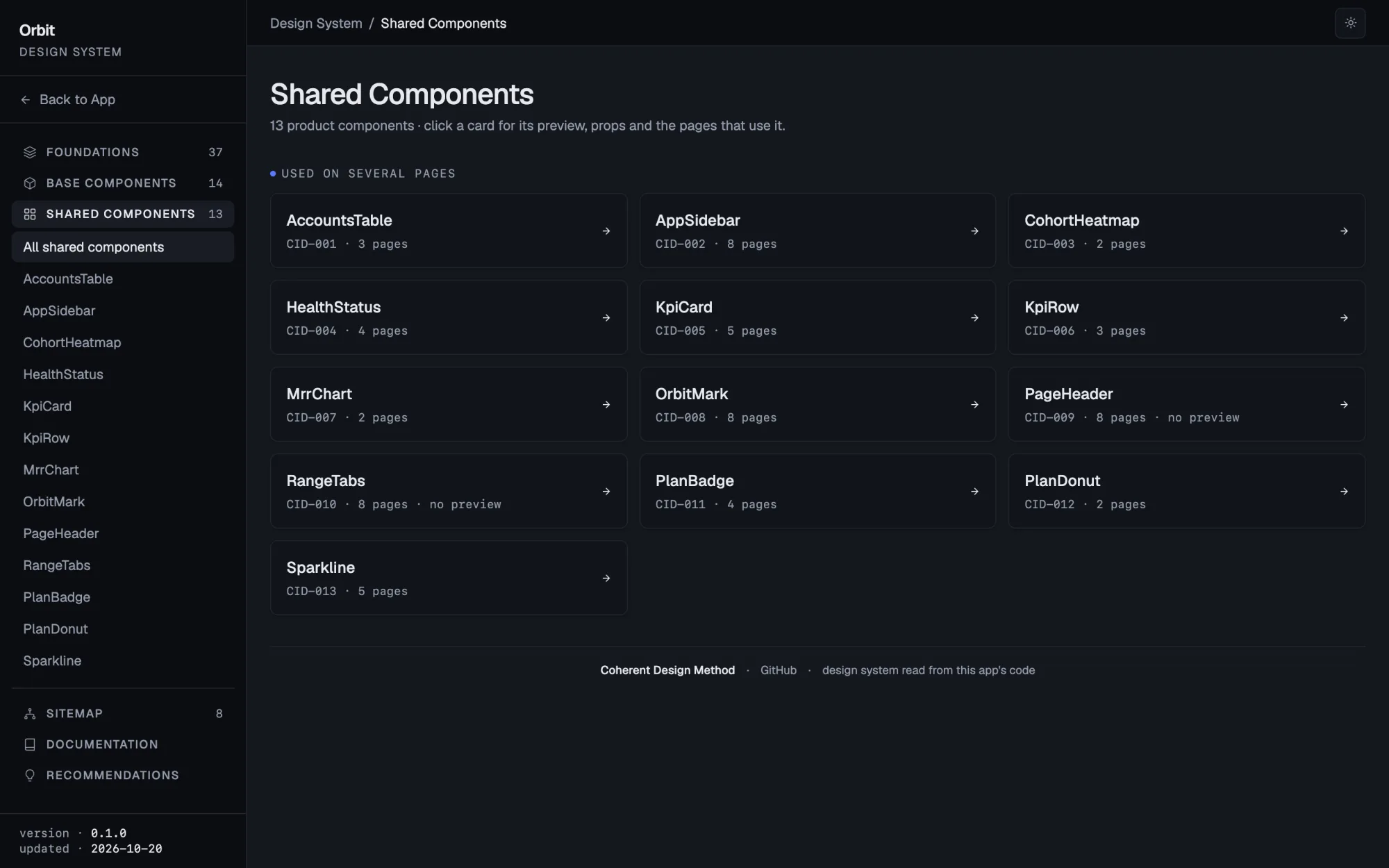
Your product components, by ID
Each one with its ID and the pages it is on; open one for its preview, props, real usage, tokens and history.
localhost:3000/design-system/shared
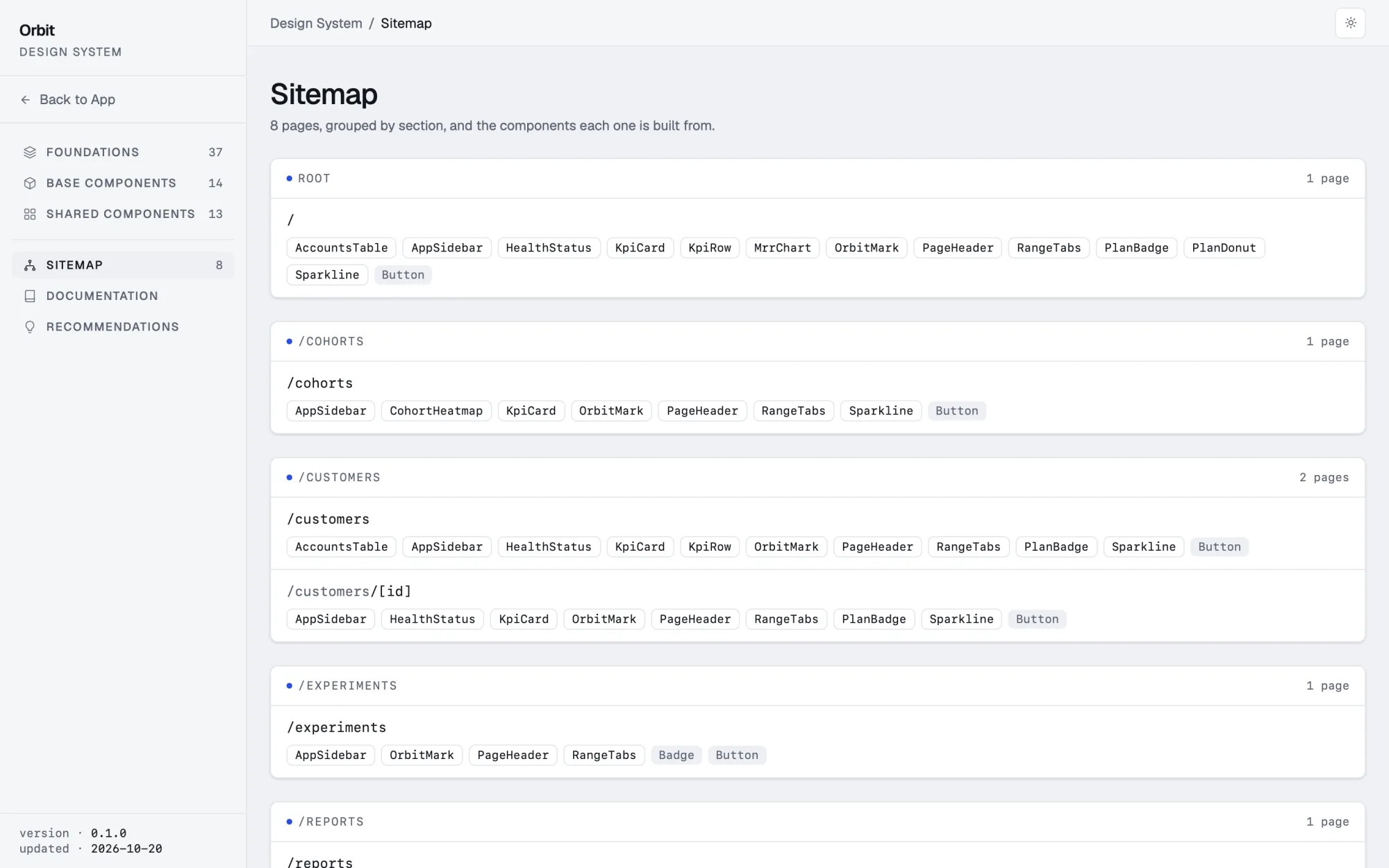
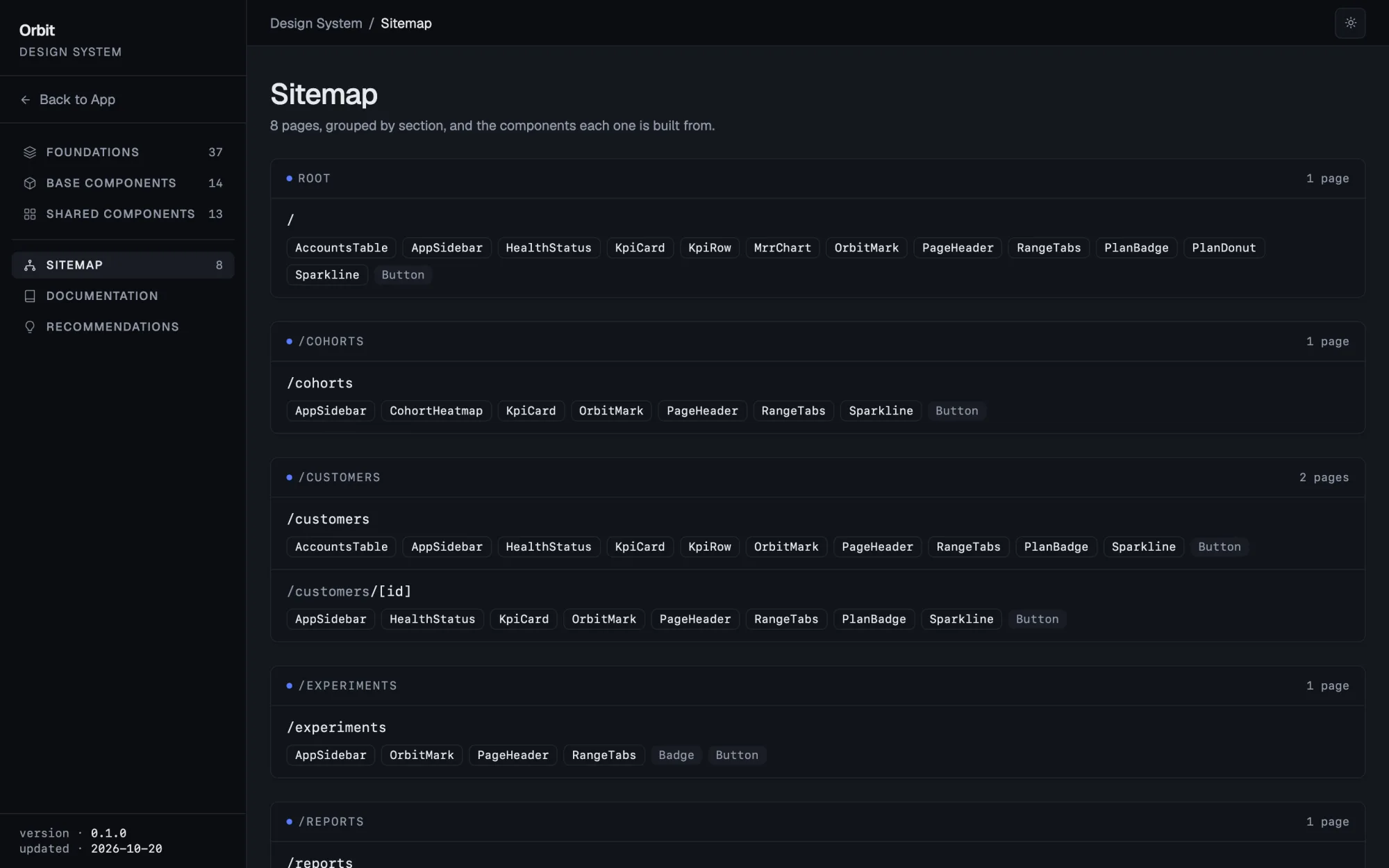
Every page, and what it is built from
All routes grouped by section, with the shared components and primitives on each.
localhost:3000/design-system/sitemap
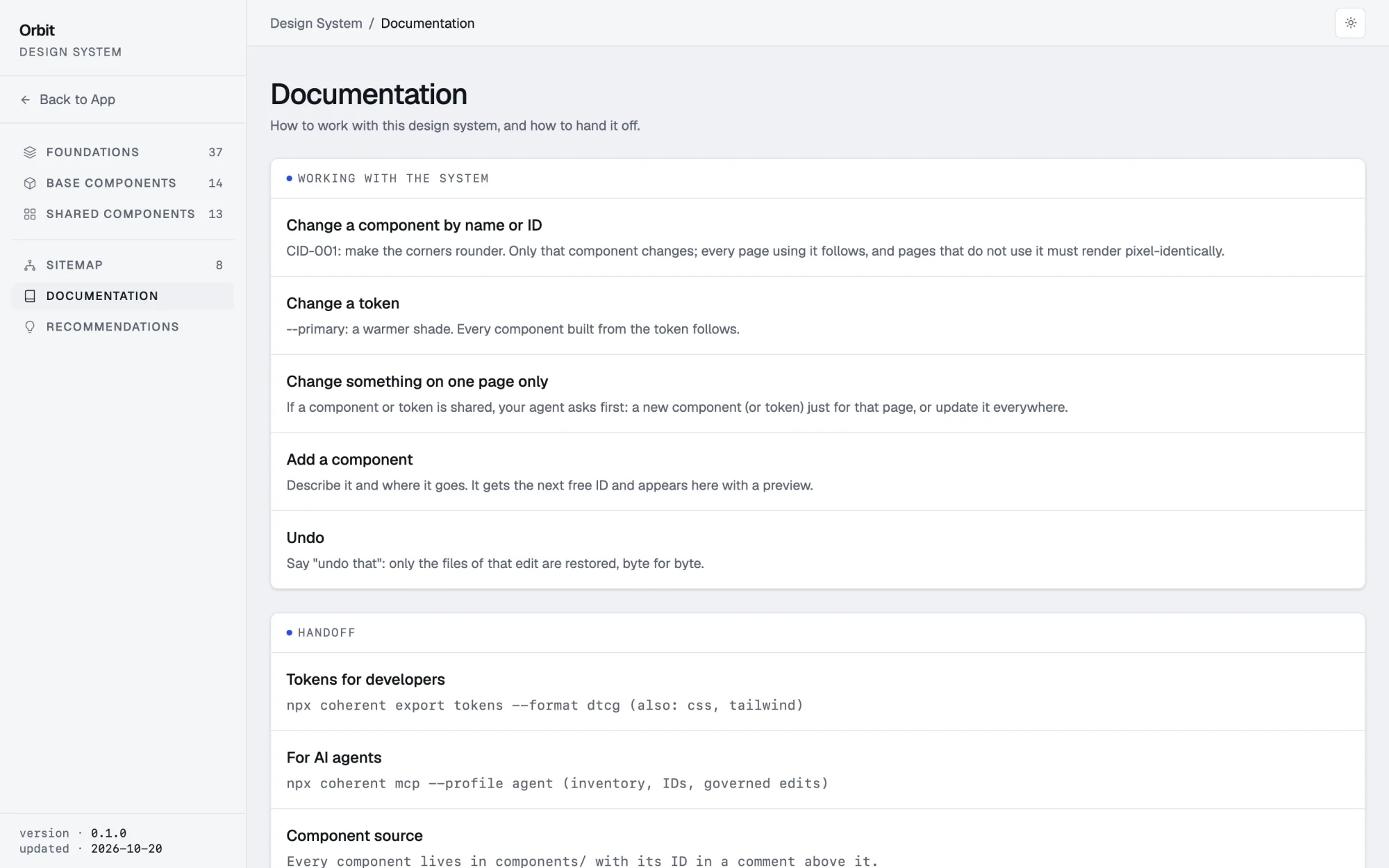
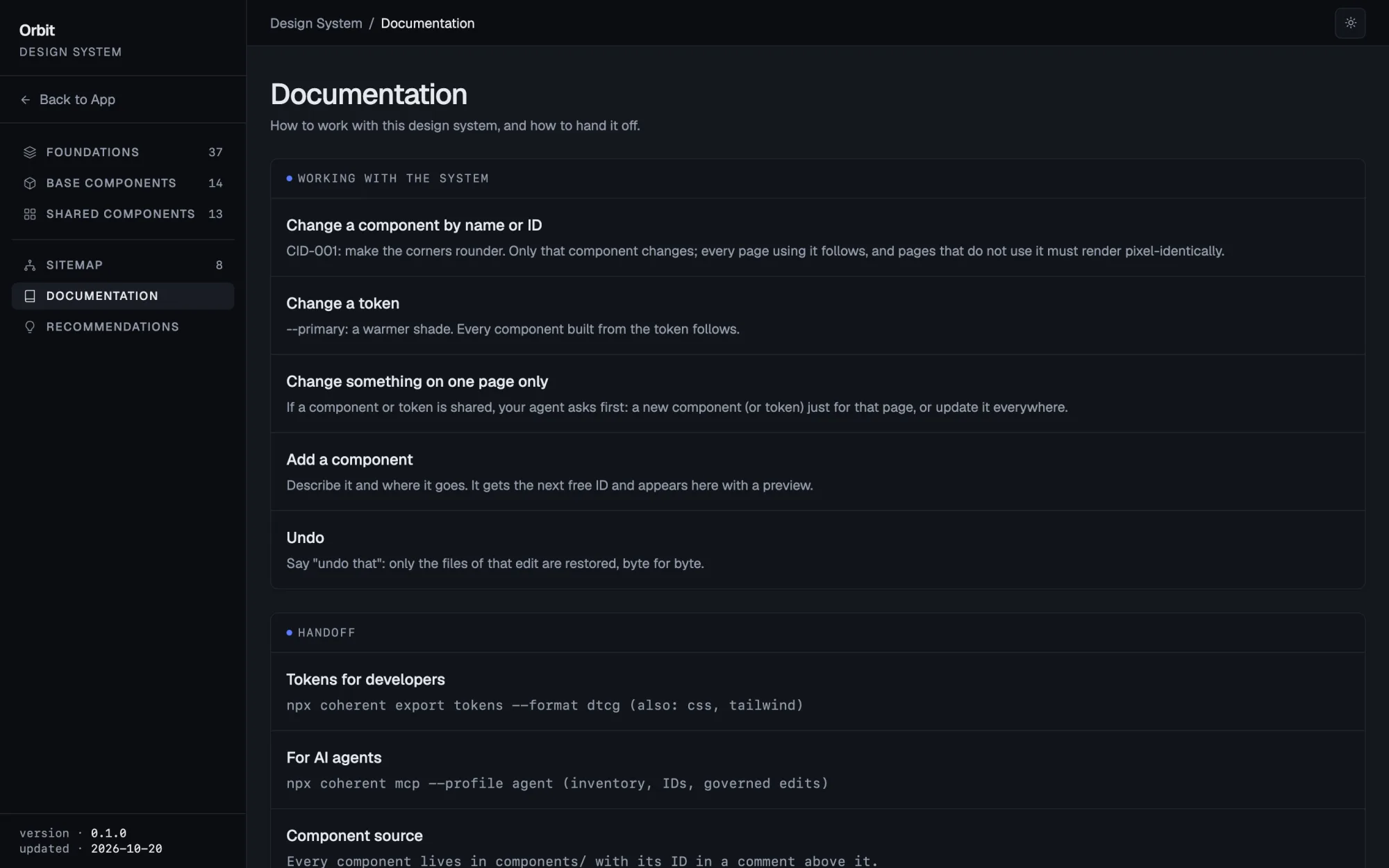
How to work with it, and hand it off
Change by ID, change a token, add a component, undo; tokens for developers and the MCP server for agents.
localhost:3000/design-system/docs
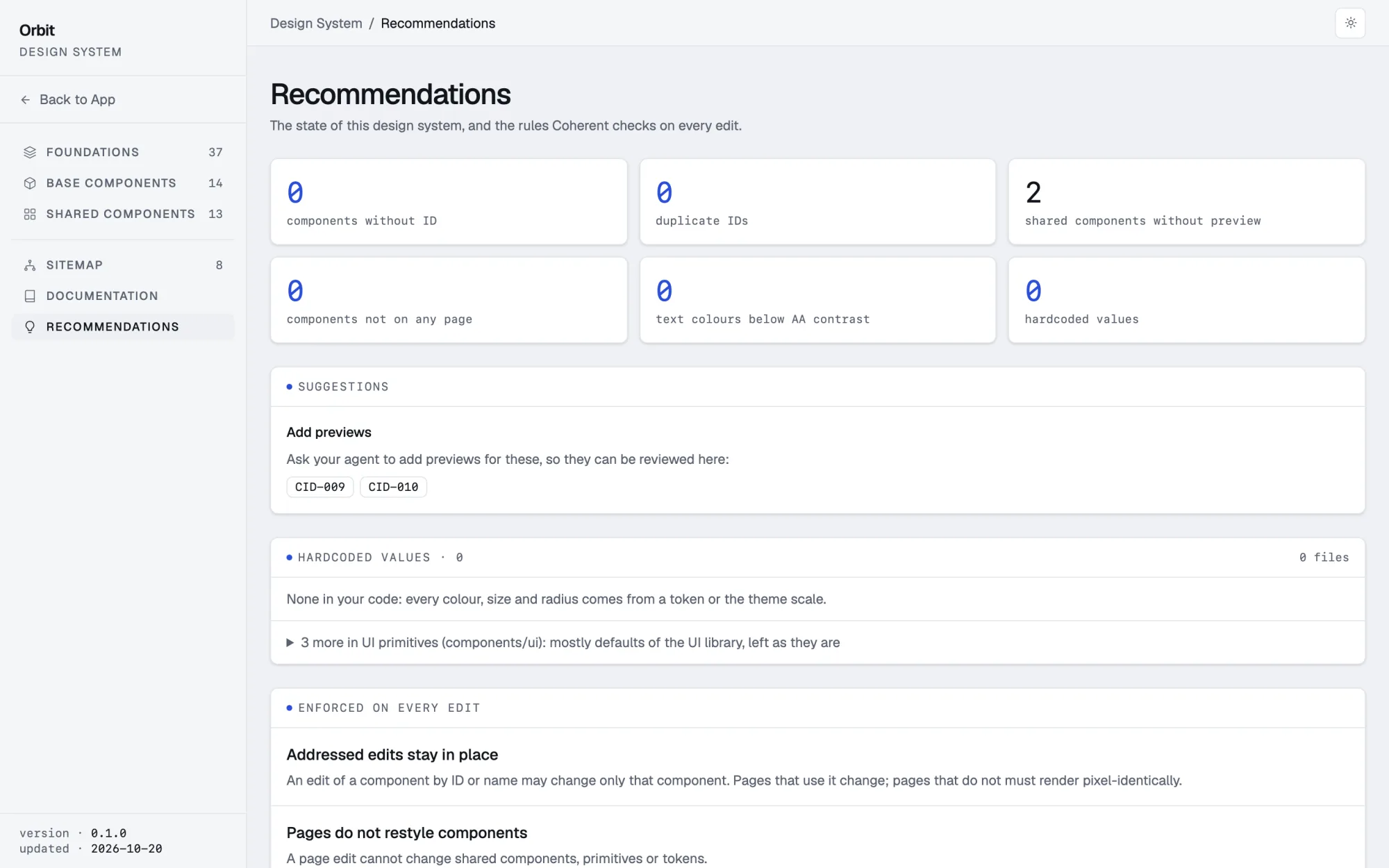
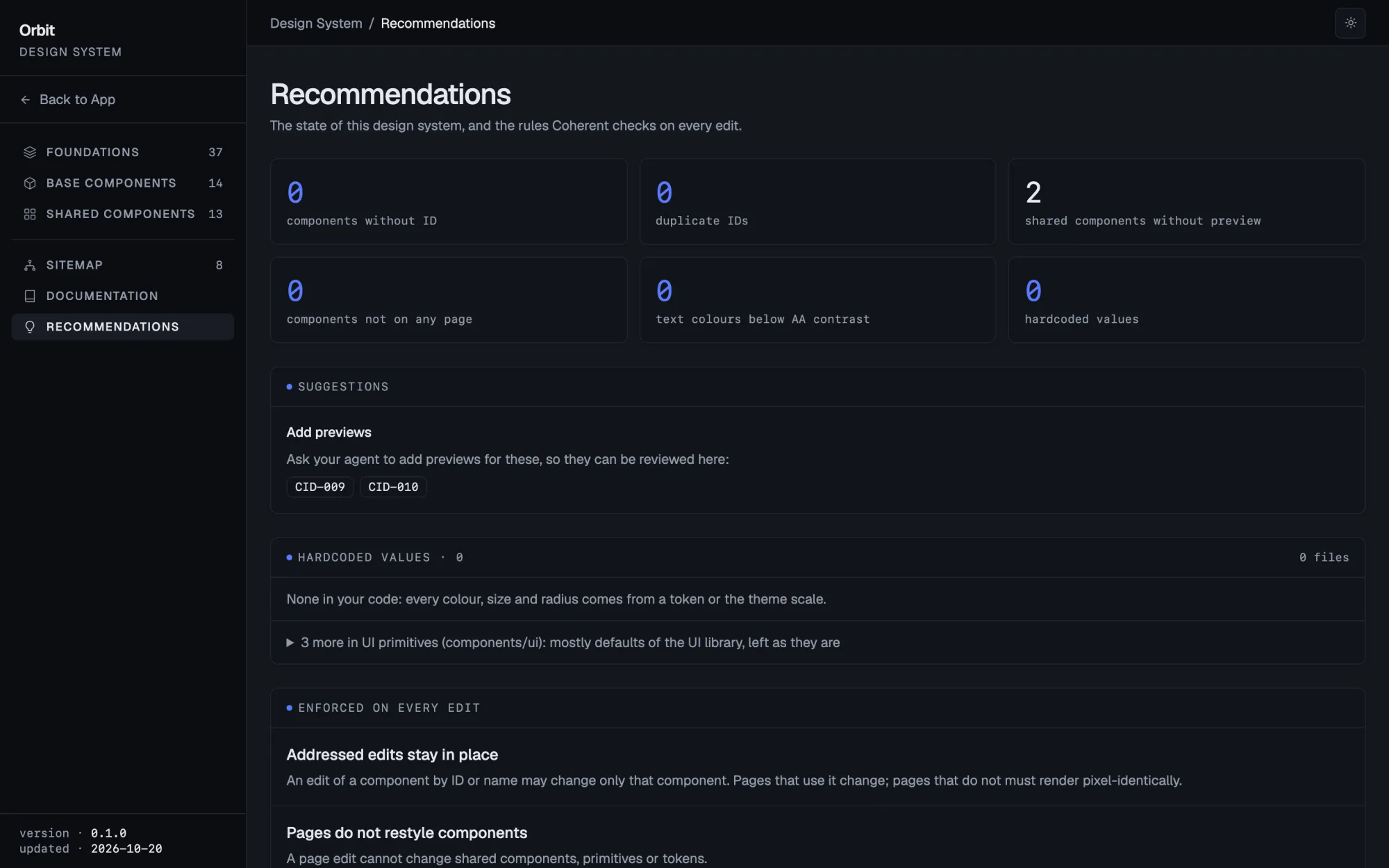
What to fix next
Components without a preview or a page, text below AA contrast, hardcoded values that should be tokens, and the rules checked on every edit.
localhost:3000/design-system/recommendations
Screenshots from Orbit, the app in the hero, built with Claude and Coherent: these pages are its real /design-system, and every edit in its history was verified. This site is built the same way: open its own design system →
[03]Change by ID
Point at it. Change exactly that.
Coherent labels every component in the code, like CID-008, and every token has a name. Say what you want in plain words, or name it: the edit is held to that component or token, and every page that uses it follows.
"CID-008: make the number bigger"
Only KpiCard's file may change. Coherent renders the 3 pages that use it and checks that a sample of other pages stays pixel-identical.
"--radius: a little rounder"
A token: every page follows. Coherent rebuilds the app and renders the pages it reaches; any it could not render are named in the verdict.
"Only on Billing, move the table up"
The table is shared. The Coherent agent is set up to ask first: a new component just for Billing, or change it everywhere?
"Add a weekly digest note to Notifications"
It becomes a component, Callout, with its own ID and preview, ready to reuse on the next page.
[04]Every edit proven
“Done” means checked. In a real browser, before it lands.
Before an edit, Coherent knows from your code which pages it can affect. After it, it builds the app, renders those pages, and compares a sample of pages that should not change pixel by pixel. It flags hardcoded colors and sizes that should be tokens, new browser errors, your real name in mock data. A failed edit is not committed: the agent fixes it and checks again, or rolls it back.
coherent_verify_edit · final
real run · 57s end to end
request
"On Earnings only, make the KPI cards more prominent. Other KPI pages must not change."
scope variantwrite set kpi-card.tsx, creator/earnings/page.tsx
route
expected
pixels changed
/creator/earnings
change · must change
17.9%
/advertiser
identical · also uses KpiCard
0.00%
/advertiser/campaigns/[id]
identical · also uses KpiCard
0.00%
+ 2 more controls
identical · unrelated pages
0.00%
write set held
no new type errors
production build
no new browser errors
no identity leaks
verdict: verified
You don't run any of this. Your agent calls Coherent on every change and reports the verdict as it is. How agent mode works →
[05]Getting started
One command. Then just talk.
new app
$npx @getcoherent/cli init my-app
Creates a Next.js app with create-next-app and shadcn, adds a welcome page, and installs the Coherent agent.
existing next.js app
$cd my-next-app
$npx @getcoherent/cli init
Adds the agent, its config and a dev dependency; your UI code is not changed. Then ask for the design system: components get IDs, and the pages are checked to render exactly as before.
Open the folder in Claude Code and approve the coherent MCP server once. The Coherent agent is already the default. Coherent needs no API key of its own: your agent does the designing, Coherent keeps it consistent and checks it. Requires Node.js 20+ and a Next.js App Router project.
Then just ask · a real session on Orbit, the app above
claude · ~/orbit
>Show me the design system
coherent
27 components: 13 shared, 14 base
37 tokens · 8 pages · every component has an ID
readyopen /design-system
>CID-007: make the chart title a bit bolder
coherent0s
MrrChart only · 1 file
/ and /revenue render it · changed, as expected
/cohorts, /customers/[id] · pixel-identical
verified
>CID-007: rename the paddings, nothing should look different
coherent0s
refactor · every page it reaches must stay the same
4 pages, light and dark · pixel-identical
verified
>CID-007: round legend dots
coherent0s
customers/page.tsx changed too
it is outside the edit
failednot committed · the agent rolled its edit back
Times are from a laptop and include a production build and the renders. The design system for an existing app is generated the same way, from its code.
[06]Also in the box
Design tokens, in and out.
Standalone tools from earlier releases, still maintained.
Founders and designers building a product with a coding agent who want it to look like one product, not a pile of good-looking screens, and teams that need to see what the agent changed and why.
Does Coherent design the UI?
No, your agent does, with full freedom of taste. Coherent gives it a system to design within (tokens, components with IDs, the rule to reuse before creating) and checks every change. We stopped generating UI ourselves after plain Claude Code beat our own pipeline on every matched screen of the same spec. The old generator still works with `coherent init --classic`, but it is deprecated.
What is in the design system?
A `/design-system` section inside your app: color, type, radius, shadow and spacing tokens (light and dark where defined, with contrast), your type scale, your icons, every UI primitive and product component with its ID, props, a real use from your code, the pages it is on, the tokens it uses and its edit history, a sitemap, docs and recommendations. Primitives get live previews automatically; for your own components the agent writes one. Coherent writes the section from your code and rebuilds it inside every edit.
Is /design-system public?
It is a route of your app, so it ships wherever your app ships. This site keeps its own public: open /design-system. To keep yours internal, protect the route like any other page, or remove it before you deploy; the agent regenerates it on the next edit.
Do the IDs lock me in?
No. An ID is a one-line comment above a component (`/** @coherent-id CID-008 */`). The app is plain Next.js, Tailwind and shadcn/ui; remove Coherent and everything keeps working.
Which agents does it work with?
Claude Code (CLI and desktop app), tested end to end: `init` sets up the agent, the MCP server and the write guard. Codex gets the MCP server and the same rules in AGENTS.md, without a write guard; it works, but is not yet tested end to end. Other MCP clients can call the same tools, untested.
Does it work with my existing project?
Yes, if it is a Next.js App Router app with Tailwind (v3 or v4). Run `npx @getcoherent/cli init` in it, then ask your agent to sync the design system: your components get IDs and `/design-system` appears, with the pages checked to render exactly as before (dynamic routes need an example URL). Recommendations then list what to clean up, such as hardcoded colors and sizes; this site went from 403 to 0, one verified edit at a time. Yarn Plug'n'Play is not supported yet.
Vue, Svelte or Angular?
Not yet. Coherent reads the component graph from TSX and Next.js routes, and generates the design system as Next pages, so each framework is real work. Vote for the one you need (GitHub issue #168 on skovtun/coherent-design-method); a framework-neutral verify-only mode is the likely first step.
What exactly does verification check?
That only the declared files changed; no new TypeScript errors (compared to before the edit); a production build; desktop and mobile renders of the affected routes (up to 12 per edit; any not rendered are named in the verdict), and an exact pixel comparison of control routes (±1 per channel for anti-aliasing); with a dark theme, desktop in the other theme too; no new console, page or hydration errors (also in Safari's engine when Playwright WebKit is installed); every new component has an ID; no real names or emails from git config in the UI. Hardcoded colors and sizes come back as warnings.
Can it prove a refactor changed nothing?
Yes. Splitting a page into components, replacing hardcoded values with tokens of the same value, renames: the agent marks the edit as a refactor, and every affected page must then render pixel for pixel as before. This site's home page was split into 13 components that way.
What happens when an edit fails?
It is not committed. The edit stays open: the agent fixes it and checks again, or rolls it back. A rollback restores only that edit's own files, byte for byte, and leaves every other file alone. You can ask "undo that" later too; if a newer edit touched the same files, Coherent refuses unless you confirm.
Does it slow the agent down?
A little, on purpose. A full check builds the app and renders the affected pages: about one to three minutes per edit on real apps, more on heavy pages. The quick check skips the build and the browser and takes seconds.
Do I need an API key?
Coherent needs none: it runs locally and only checks. You need access to your coding agent, such as a Claude Code plan.
Is it production-ready?
Agent mode is new in v0.27, the design system in v0.28–0.31. Verified on real apps, including this site, which runs on Coherent; the repository has 2,600+ passing tests; MIT licensed. Known gaps: Windows is untested; dynamic routes need an example URL in `.coherent/preview-params.json` to be rendered; pages that depend on live data or the current time need fixtures to compare cleanly; canvas and WebGL animations must hold still under prefers-reduced-motion, or renders differ from run to run.
Where do I get help?
GitHub issues for bugs and feature requests — response usually within 24h. The decision records, changelog and backlog are open in the repo, so you can see what shipped, what is planned, and why.
Question not here? Open an issue on GitHub — response usually within 24h.Open issue